Home / Ways to get paid
Ways to get paidYour family chooses how to use the money
Money lands in your shared FamLink wallet. From there, your family can spend it, pay a shop, move it to a bank, or collect cash — whatever works best for them.
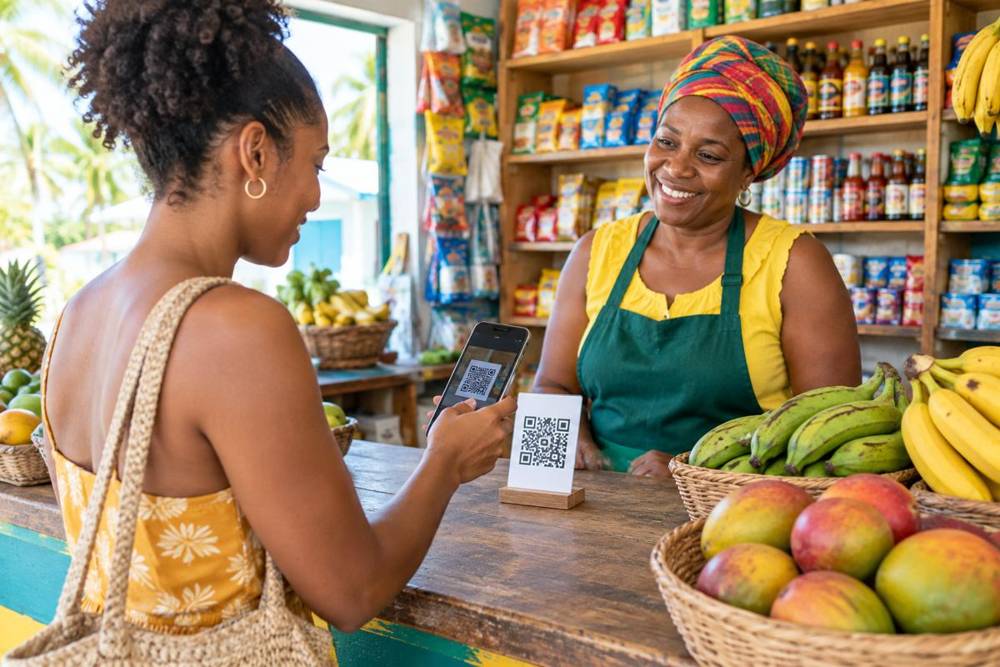
Scan to pay
Corner grocery · Kingston
Paid
J$4,500
No fee for you
Corner grocery
From the family wallet
The shop’s phone
Payment receivedJ$4,500 · just now
1 · Scan the shop’s QR
2 · Paid in a tap — no fee for you
3 · The shop sees it right away ✓
5s
1
Spend with the FamLink card
Best for everyday bills and groceries- A digital card tied to the family wallet.
- Pay rent, groceries, phone and bills.
- A spending bar shows what’s left of this month’s budget.
- Card controls like freeze and PIN — coming when card issuing goes live.
FamLink
•••• •••• •••• 4821
GRACE · FAMILY WALLET
2
Pay shops by QR
Best for local shops and markets- Scan the shop’s FamLink QR code with your phone.
- Pay straight from the family wallet.
- No fee for the customer.
- Shops can show a printed QR or send a pay link.
Paid
J$4,500No fee for you
Corner grocery · from the family wallet
3
Cash out to a local bank
Best for savings and bigger bills- Add a local bank account once.
- See the fee and exactly what will arrive first.
- Track every step until it lands.
- Only the last 4 digits of the account are kept.
Cash out · J$20,000
- Set up
- Processing
- Sent to bank Today, 10:14
- Completed
4
Pick up cash at an agent
Best when there’s no bank account or card- The sender chooses cash pickup when sending.
- Your family gets a pickup code by SMS — it’s also in the app.
- They show ID and the code at a partner agent.
- Ready once the payout is confirmed — no multi-day bank wait.
- The sender is told the moment it’s collected.
Grace · Kingston
Messages
FamLink · now
Your cash is ready to collect.
Code 4821 7730
Bring your ID + this code to any partner agent.
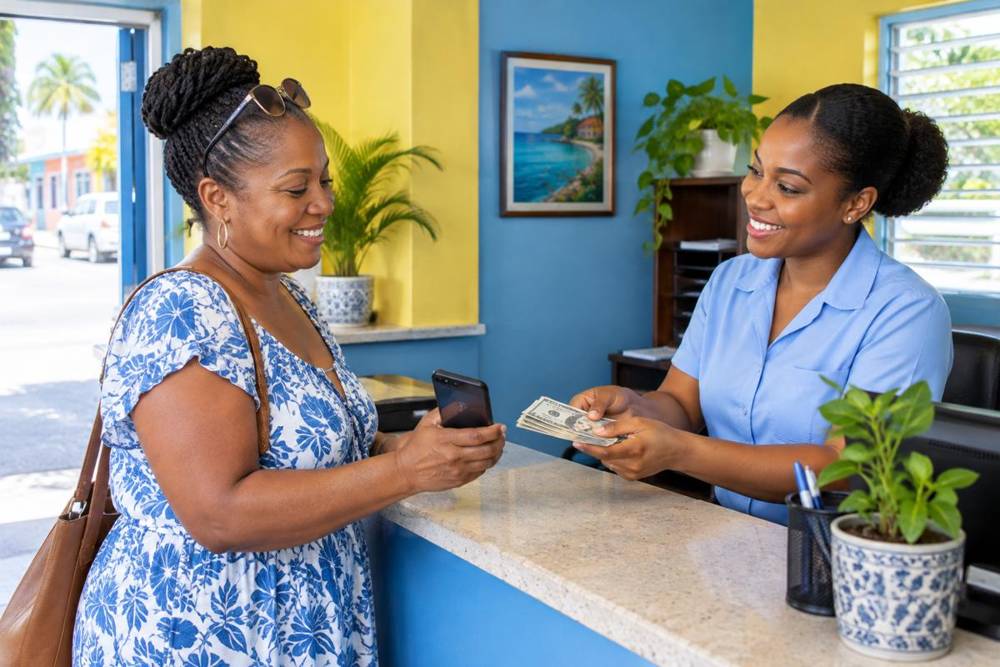
ID + code checkedPartner agent · Kingston
Cash in handJ$31,400 collected
Andre · New York
Cash collectedby Grace · 11:20 am
Completed ✓
1 · Grace gets a pickup code by SMS
2 · She shows ID + code at a partner agent
3 · You’re told the moment it’s collected ✓
5s
Compare
Which option is right for your family?
| FamLink card | Pay by QR | Bank cash-out | Cash pickup | |
|---|---|---|---|---|
| Needs a bank account? | No | No | Yes | No |
| How fast | Ready when money lands | Usually instant | Tracked step by step | Ready once payout is confirmed |
| Fee | Shown in the app | No fee for the customer | Shown before you confirm | Shown before you confirm |
| Best for | Bills and groceries | Local shops | Savings, big bills | No bank or card |
Run a shop?
Accept FamLink payments by QR — no fee for your customers. Shop fees will be published before launch.
Early access · Free
Give your family more ways to use their money
Get the app first
Download before the public launch.Invite your family early
So they’re ready on day one.Help shape FamLink
Tell us what your family needs most.